Disposable Email vs Fake Email Generator: What & When to Use
Disposable email vs fake email: what each is, how they differ, and when to use which, with a privacy-focused comparison and clear legal limits.
By Vincent RuanPublished June 25, 2026Last updated June 25, 20269 min read
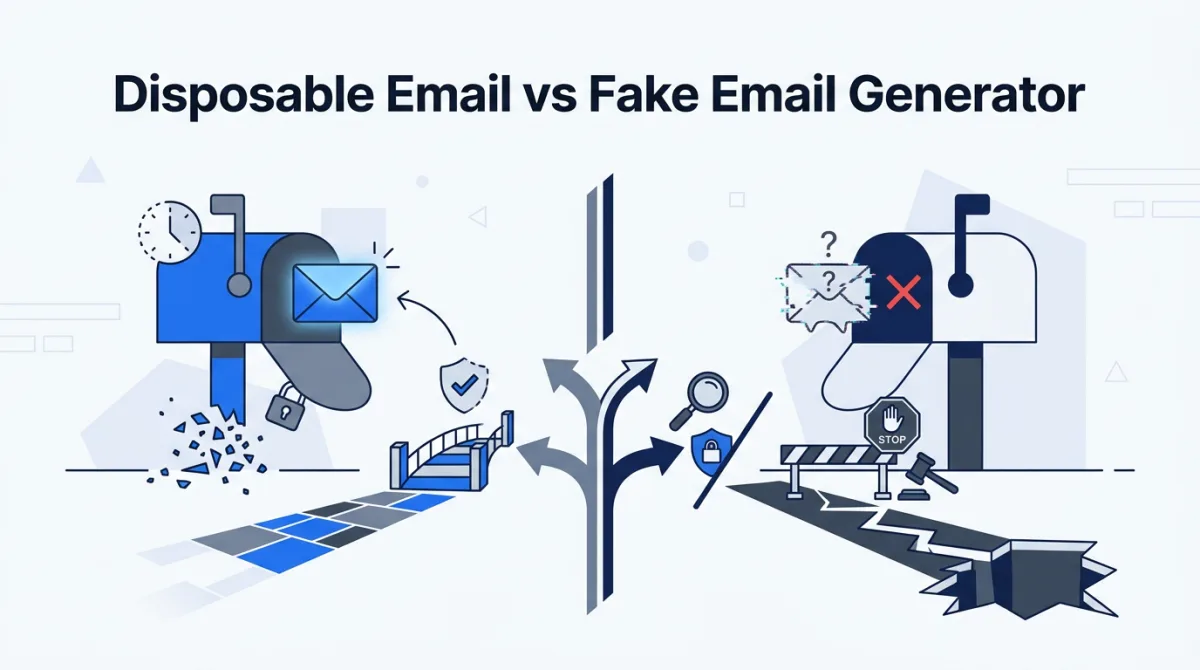
A disposable email is a real but short-lived inbox that can receive mail and then self-destructs; a fake (placeholder) email is a fictional address that passes format validation but has no inbox behind it, so it can never receive anything. They look identical in a form field and behave in opposite ways. Pick the wrong one and your sign-up stalls at "check your email," or a reset link lands somewhere a stranger can read it.
This guide defines both, contrasts them with a normal personal inbox, and shows exactly when each is the right call. It is written for the two audiences who reach for these tools most: developers seeding test data and privacy-minded users trimming their footprint. The random email generator produces the second category, format-valid fictional addresses, and we will be precise about what that does and does not let you do.
What is a disposable email?
A disposable email (also called temporary, throwaway, or burner email) is a real inbox with a short, defined lifespan. Services like Temp-Mail and 10 Minute Mail hand you a working address on a domain they control, hold incoming mail for minutes to a few hours, then delete the address and its contents automatically [wikipedia-disposable]. The defining trait: it actually receives mail.
The mechanism is plain. The provider runs a mail server that accepts messages for thousands of generated addresses, exposes a web inbox so you can read what arrives, and runs a timer or quota that purges old addresses. There is no password to manage and frequently no authentication at all, which is both the convenience and the central weakness.
What is a fake (placeholder) email?
A fake email, more precisely a placeholder email, is a fictional address that is syntactically valid but has no mailbox behind it. A string like dana.okafor@example.com passes a form's format check because it has a local part, an @ symbol, and a well-formed domain, yet no server anywhere accepts mail for it. It cannot receive anything, by design.
Why generate an address that can never receive mail? Because most software work needs addresses that look and validate like the real thing without any live inbox. Seeding a staging database with 10,000 users, testing client-side validation, building a demo, or writing a test fixture all call for format-valid fictional data, not a working account. RFC 2606 (June 1999) reserves example.com, example.net, and example.org for documentation and testing, and the IANA guarantees they will never be assigned to a real operator [rfc-2606]. That is why responsible generators, including ours at /, prefer them.
The address syntax that browsers and servers validate against is defined by the Simple Mail Transfer Protocol and the Internet Message Format. A string can be perfectly valid and still point at nothing.
Two standards govern this. RFC 5321 (October 2008) specifies SMTP, the protocol that moves mail between servers [rfc-5321]. RFC 5322 (October 2008) defines the structure of the message and its addresses [rfc-5322]. A placeholder generator's only job is to emit strings that satisfy these rules so downstream validators accept them. Deliverability is a separate question, and for fictional addresses the answer is always no.
Disposable vs. fake vs. real: how do they compare?
Across the three address types, only the disposable and real inbox can receive mail; the fake placeholder always bounces. All three pass RFC 5321/5322 format validation. They diverge on lifespan (minutes, none, or years), on privacy, and on the right use: confirmations, test data, or accounts you keep. Line them up against the properties that actually matter.
| Property | Disposable / temporary | Fake / placeholder (our generator) | Real personal inbox |
|---|---|---|---|
| Can receive mail | Yes, for a limited window | No, never | Yes, indefinitely |
| Deliverability (mail arrives) | Usually high during its lifespan | Always fails (no MX route) | High |
| Lifespan | Minutes to hours, then auto-deleted | Permanent string, no inbox to expire | Years |
| Format-valid (RFC 5321/5322) | Yes | Yes | Yes |
| Privacy from your identity | Moderate (often public inbox) | High (no inbox exists at all) | Low (tied to you) |
| Best use | One-time confirmations, spam avoidance | Test data, QA, form-filling, demos | Accounts you intend to keep |
| Can you read replies | Yes, briefly | No | Yes |
Why does deliverability separate the two?
Deliverability is the dividing line. A disposable address resolves to a live mail server with a valid MX record, so a confirmation email genuinely lands and you can read it while the provider keeps the address alive. A placeholder address on a reserved domain has no MX route, so the sending server bounces it. That is not a flaw in the generator; it is the entire point. You reach for a placeholder precisely when you want no message to arrive.
| Your goal | Recommended type | Why |
|---|---|---|
| Confirm a one-time download link | Disposable | Needs a live link click, then can vanish |
| Seed 5,000 test users in staging | Fake / placeholder | No inboxes needed; bulk, free, instant |
| Reduce newsletter spam to your main inbox | Disposable or alias | Absorbs mail you may want to glance at |
| Test client-side form validation | Fake / placeholder | Only the format is checked, not delivery |
| Bank, health, or any kept account | Real personal inbox | Needs durable recovery and security |
| Build a product demo or screenshot | Fake / placeholder | Realistic-looking, non-routable, safe to publish |
| Receive a password reset you must act on | Real personal inbox | Reset links to a temp inbox can be lost or intercepted |
Is disposable email safe?
Disposable email is safe as a spam shield for genuinely throwaway sign-ups, but unsafe for anything sensitive. Many disposable inboxes are public or require no login, so anyone who knows or guesses the address can read its mail. NIST SP 800-63B (June 2017) treats out-of-band channels you do not control as unsuitable for authentication and recovery [nist-63b]. Never route recovery or two-factor mail through one.
| Use case | Risk level | Notes |
|---|---|---|
| One-time content download | Low | Nothing sensitive transmitted |
| Newsletter or forum sign-up | Low to moderate | Watch for password-reset capture if account matters |
| Password reset for a kept account | High | Reset link may be readable by others or expire with the inbox |
| 2FA or recovery codes | High | Loss of inbox can lock you out permanently |
| Financial, medical, government accounts | Severe | May also breach the service's terms or the law |
What are the legitimate uses, and the hard limits?
Both tools have honest, common uses: developers use temporary email for testing sign-up flows that send a real link, and fake placeholder addresses for the far larger job of generating fixtures and demo data. A QA engineer building a 1,000-row user table wants addresses that validate and import cleanly, not 1,000 live inboxes. Privacy users keep their durable address out of circulation by using a throwaway for low-quality sign-ups.
Minimizing how widely your real address spreads is a recognized practice. Article 5(1)(c) of the EU GDPR (in force since May 25, 2018) requires that personal data be "adequate, relevant and limited to what is necessary," the data-minimisation principle that placeholder and disposable addresses both serve [gdpr-minimization]. The limits, though, are not subtle. Generated identities exist for software testing, QA, form-filling, and personal privacy only.
- Do NOT use a fake or disposable identity to commit fraud, deceive a person, or impersonate a real individual or organization.
- Do NOT use one to evade age checks, KYC, or any legally required identity verification; doing so can be a crime.
- Do NOT use one to obtain goods, services, refunds, trials, or money you are not entitled to under a false identity.
- Do NOT use one to create accounts in violation of a service's terms where doing so causes harm or loss.
- DO use generated, format-valid addresses for test data, QA, demos, and seeding non-production systems.
- DO use disposable addresses to limit spam and exposure for genuinely low-stakes, throwaway sign-ups.
An illegal use stays illegal whether the address is disposable, fake, or borrowed. The tool does not change the law. Misrepresenting your identity to a financial institution or a government service can carry real penalties, and the FTC's Impersonation Rule (16 CFR Part 461, effective April 1, 2024) makes impersonating government or businesses a directly enforceable violation [ftc-impersonation]. Use these tools for what they are built for.
To tell a placeholder apart from a routable address at a glance, watch what a form, a validator, or a mail server actually observes. The table below maps each technical signal to the component that checks it.
| Signal | Fake / placeholder | Disposable or real | Checked by |
|---|---|---|---|
| Syntax passes regex / parser | Yes | Yes | Client and server form validation |
| Domain has an MX record | No (reserved domain) | Yes | DNS lookup before send |
| SMTP handshake accepts the recipient | No | Yes (during lifespan) | Sending mail server (RFC 5321) |
| Message can be read back | No | Yes | Inbox / web UI |
| Risk of hitting a real stranger | None (reserved domain) | Possible if domain is live | Operational policy |
| Bounces on delivery | Always | Rarely | Bounce handling |
How should developers choose between them?
- Decide whether your test must RECEIVE mail. If no, use format-valid placeholder addresses from / and move on.
- If a real link click is required, provision a disposable or dedicated test inbox and isolate it from production credentials.
- Pin generated addresses to reserved domains (example.com / example.net / example.org) so they can never collide with a real recipient.
- Never reuse a placeholder address as a real account's recovery channel; it cannot receive the recovery mail.
- For any account that persists, switch to a real inbox and a unique credential generated at /tools/password-generator.
In one line: a disposable email is a real inbox with a short fuse, a fake email is a realistic string with no inbox at all, and a real inbox is the one you live in. Match the tool to whether you need to read what comes back, how long you need it, and how much it would cost you if a stranger read it too.
References & sources
- Disposable email address — Wikipedia
- RFC 5321: Simple Mail Transfer Protocol (SMTP) — IETF
- RFC 5322: Internet Message Format — IETF
- RFC 2606: Reserved Top Level DNS Names (example.com / .net / .org) — IETF
- NIST SP 800-63B: Digital Identity Guidelines, Authentication and Lifecycle Management — NIST
- Art. 5 GDPR: Principles relating to processing of personal data (data minimisation) — GDPR-info.eu
- Impersonation of Government and Businesses Rule (16 CFR Part 461) — U.S. Federal Trade Commission
Frequently asked questions
What is a disposable email and how does it work?
A disposable email is a temporary, working inbox provided by a service like Temp-Mail or 10 Minute Mail. It genuinely receives messages, including confirmation links, for a short window (often 10 minutes to a few hours), then the address and any mail are deleted automatically. It exists to absorb mail you do not want tied to your primary inbox.
Is a disposable email the same as a fake email?
No. A disposable email is a real address with a real, temporary inbox you can read. A fake or placeholder email is a fictional, format-valid string such as jordan.rivera@example.com that satisfies RFC 5322 syntax but has no mailbox behind it, so it can never receive mail. Our generator produces the second kind for test data and form-filling.
Is disposable email safe to use?
For low-stakes sign-ups it reduces spam and limits how much your main address is shared. But disposable inboxes are often public or require no login, so anyone who knows or guesses the address can read the mail. Never route password resets, two-factor codes, financial, medical, or any account you intend to keep through a disposable address.
Can I use a fake email generator to sign up for a real service?
You can use a format-valid placeholder address to fill out forms during development, QA, or demos. You should not use it to register a real account you expect to keep, because you will never receive the verification or recovery mail, and using a false identity to obtain goods, services, or to evade required verification can be unlawful.
What makes an email address format-valid?
Email syntax is defined by IETF RFC 5321 (the SMTP transport) and RFC 5322 (the message format). A valid address has a local part, an @ symbol, and a domain. RFC 2606 reserves example.com, example.net, and example.org for documentation and testing, which is why placeholder generators favor them.
Which should I choose for testing a sign-up flow?
If your test must click a real confirmation link, use a disposable or dedicated test inbox that can receive mail. If you only need to populate fields, validate form logic, or seed a database, a fake placeholder address is faster, free of rate limits, and leaves no live inbox to clean up.