Fake Text Message Mockup: iMessage-Style Screenshots
Build a free fake text message mockup for UI design, app screenshots and tutorials. Step-by-step iMessage-style builder, bubble color guide and legal limits.
By Vincent RuanPublished June 27, 2026Last updated June 27, 20268 min read
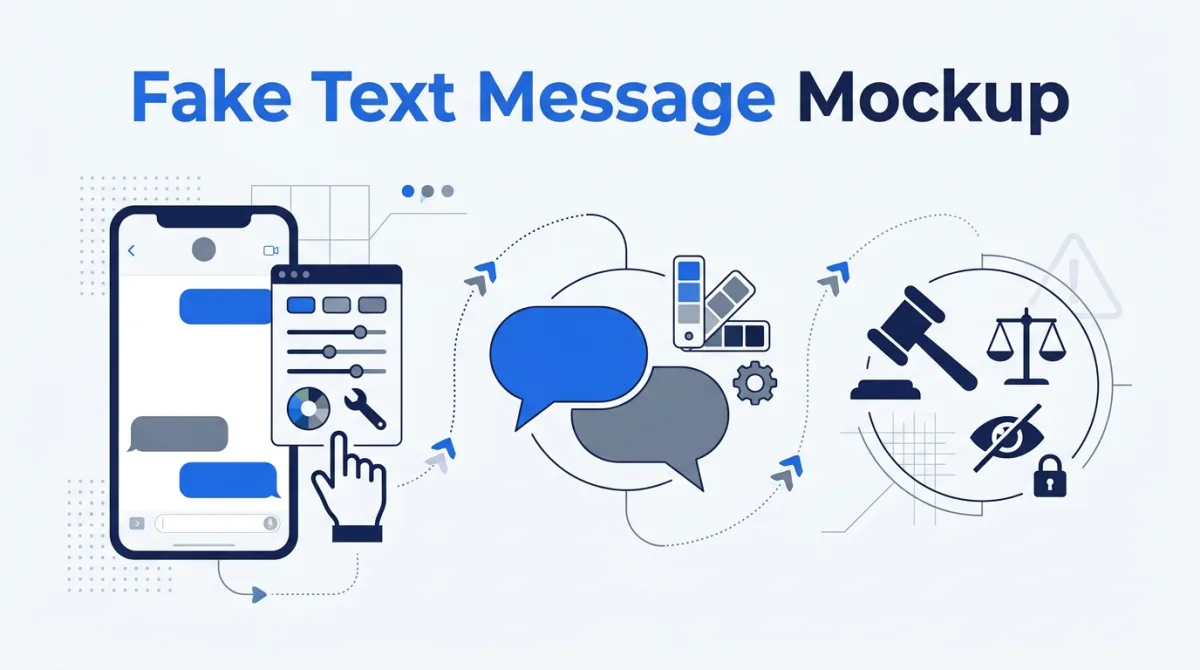
A fake text message mockup is a picture of a conversation that never happened, built on purpose for design, documentation, or fun. To make one, you set a contact name, type out each message, mark every bubble as sent or received, choose light or dark mode, and export a PNG. This guide walks through that process with our fake text message generator, explains the iMessage bubble conventions so your mockup matches the real Messages UI, and draws a hard line between a harmless mockup and a fabricated screenshot used to deceive.
What is a fake text message mockup for?
Designers, marketers, educators, and content creators need realistic chat screenshots constantly, and using a real conversation means leaking real names, numbers, and private words. A mockup solves that: it is sample data you fully control, so the contact is fictional and the words are whatever the design calls for. The most common legitimate uses are below.
- UI/UX design — placing a Messages-style screen into a mockup, wireframe, or design system without screenshotting a private chat.
- App screenshots — generating clean conversation images for App Store and Google Play listings, where Apple's guidelines expect screenshots to reflect the app, not a stranger's texts.
- Docs and tutorials — illustrating a how-to ("tap the message, then...") with a consistent, reproducible thread.
- Prototypes and demos — populating a chat feature with believable filler so stakeholders see how it behaves before real data exists.
- Presentations and slides — showing a customer-support exchange or onboarding flow to an audience.
- Memes and short-form video — the comedic "text from mom" skit, where everyone understands the conversation is staged.
In every one of these, the screenshot is openly fictional content you authored. That is the whole point of a generator: realistic structure, zero real-person data. If you also need a believable fictional name and number to fill the contact field, our name and phone number tools produce clearly synthetic placeholders that pair well with a chat mockup.
The line you must not cross
A mockup becomes a problem the moment its purpose shifts from "illustrate something" to "make someone believe a specific real conversation happened." Fake text apps make it nearly effortless to fabricate the sender, recipient, timestamp, and delivery status, which is exactly why fabricated screenshots are treated so seriously when they surface in disputes [envista-forensics]. Do not use a generated screenshot to do any of the following.
- Defraud — tricking someone out of money, access, or goods with a fake message.
- Harass or threaten — manufacturing messages to bully, dox, or intimidate a person.
- Fabricate evidence — submitting a fake thread in a court case, HR complaint, insurance claim, or police report.
- Impersonate a real person — putting words in a real, identifiable individual's mouth.
- Spread disinformation — passing a staged screenshot off as a genuine statement by a public figure or brand.
If you are unsure whether your use is on the right side of that line, the short test is intent: are you illustrating an idea, or trying to make someone act on a false belief that a specific real exchange occurred? For more on the legality of generated and placeholder data generally, see is a fake name generator legal.
How to build an iMessage-style mockup, step by step
Here is the full flow using the fake text message generator. The whole thing takes under a minute, and nothing you type leaves your control as a real conversation, because there is no real conversation behind it.
- Open the tool. Go to the fake text message generator. You will see a live preview of an iPhone Messages screen on one side and the editor on the other.
- Set the contact name. Type the name (and optional avatar initial) that appears at the top of the thread. Keep it obviously fictional, for example "Sample Contact" or a clearly made-up name, so no one mistakes the image for a real person.
- Add your messages. Enter each line of the conversation in order. Short, natural-length lines read as more authentic than long paragraphs.
- Toggle each bubble sent or received. For every message, mark it as sent (your side, aligned right) or received (their side, aligned left and gray). This sent/received split is what makes the thread look like a real back-and-forth.
- Flip dark mode if you want it. Toggle between light and dark mode so the screenshot matches the rest of your design or slide deck. Dark mode swaps the white background for near-black and lightens the bubble tones.
- Download the PNG. Export the finished mockup as a transparent or framed PNG and drop it straight into Figma, your docs, a slide, or a video editor.
Because the output is a plain image, you can iterate freely: change a line, re-toggle a bubble, switch the theme, and re-export until the screenshot fits the story you are telling.
iMessage bubble conventions: blue, green, and gray
Authenticity lives in the bubble colors. On an iPhone, blue bubbles are iMessages between Apple devices, and green bubbles are messages sent as SMS, MMS, or RCS, which usually means the other party is not on an Apple device or iMessage is unavailable [apple-imessage-sms]. Apple is explicit that a green bubble signals a non-iMessage send: "If you see a green message bubble... the message was sent using RCS or MMS/SMS instead of iMessage" [apple-green]. In every thread, the messages you send sit on the right, and the gray received bubbles from the other person sit on the left.
| Bubble | Side | Light mode | Dark mode | Means |
|---|---|---|---|---|
| Sent via iMessage | Right | Blue, white text | Blue, white text | You messaged another Apple device over iMessage |
| Sent via SMS/MMS/RCS | Right | Green, white text | Green, white text | Your message went out as SMS, MMS, or RCS (often a non-Apple recipient) |
| Received | Left | Light gray, dark text | Dark gray, light text | The other person's message, regardless of protocol |
| Background | Full screen | White | Near-black | The Messages canvas; flips with the device theme |
Tips for a realistic mockup
Small details separate a polished design asset from something that reads as sloppy at a glance. Apply these when the goal is a clean, professional mockup.
- Match the colors to the story. Two iPhones means blue sent bubbles; texting an Android contact means green. Pick one and stay consistent.
- Keep messages short. Real texts are clipped and casual. A wall of text in a single bubble looks staged.
- Vary the rhythm. Alternate sent and received, add a one-word reply, and let one side send two bubbles in a row, the way people actually text.
- Use a believable timestamp. A header time like "Today 9:41 AM" (Apple's classic demo time) anchors the screen without claiming a specific real date.
- Mind dark vs light mode. Match the screenshot's theme to the surrounding design so it does not look pasted in.
- Keep names and numbers fictional. Use obvious placeholders so the image can never be mistaken for a real person's private messages.
The legal and ethical bottom line
Mockups are everywhere in design and education, and creating one is completely legitimate. The responsibility is in how you use it. Courts authenticate messages through device metadata, forensic analysis, and the original device, precisely because screenshots are so easy to manipulate, and presenting a fabricated thread as genuine can expose you to perjury and false-evidence charges [envista-forensics] [cal-pen-134]. Keep your mockups labeled or obviously fictional, never attach a fabricated screenshot to a claim about what a real person said, and you stay firmly on the design-and-fun side of the line.
Ready to build one? Open the fake text message generator, set your contact, type a few lines, toggle the bubbles, and export. For the broader question of when generated and placeholder data is and is not allowed, read is a fake name generator legal.
References & sources
- What is the difference between iMessage, RCS, and SMS/MMS? — Apple Support
- If your iPhone messages are green — Apple Support
- California Penal Code Section 134 — Preparing false evidence — California Legislative Information
- Pixels and Perjury: The Alarming Ease of Fabricating Text Message Evidence — Envista Forensics
Frequently asked questions
How do I make an iMessage-style mockup for a design or tutorial?
Use a mockup generator: enter a fictional contact name, add a few messages, and mark each bubble as sent (right, blue or green) or received (left, gray). Match the real Messages UI with short replies, a timestamp at the top, and the correct bubble colors for iMessage versus SMS. Our fake text message generator outputs a clean PNG you can drop into a design file or slide deck.
What is the difference between blue and green text bubbles?
On an iPhone, blue bubbles are iMessages sent between Apple devices, and green bubbles are messages sent as SMS, MMS, or RCS, typically to or from a non-Apple phone or when iMessage is unavailable. In every Messages thread, your own sent bubbles align to the right and the other person's received bubbles are gray and align to the left.
Is it legal to make a fake text message screenshot?
Making a mockup for design, documentation, teaching, or a joke is legal and common. It becomes illegal when you use a fabricated screenshot to defraud someone, harass them, impersonate a real person, or pass it off as genuine evidence. In California, for example, preparing false evidence for a legal proceeding is a felony under Penal Code 134.
Can I use a fake text message in a court case or dispute?
No. Never present a fabricated or altered screenshot as if it were a real conversation in any legal, HR, or official proceeding. Courts authenticate messages with device metadata and forensic review, and preparing false evidence is a criminal offense. A mockup is for design and storytelling, not for proving what someone said.
What are legitimate reasons to create a fake text message?
Common uses include UI and UX design mockups, app store and marketing screenshots, software documentation and tutorials, product demos and prototypes, presentation slides, onboarding flows, and memes or short-form video skits. In all of these the message is clearly fictional content you control, not a claim about a real exchange.
Does the generator store the messages I type?
The fake text message generator builds the mockup in your browser and produces an image for download. Because the content is fictional sample data you author, there is no real conversation, contact, or account behind it. Keep names and numbers obviously fictional so no one mistakes the image for a real person's messages.
More on phone numbers, texting and numbering plans
- How to Keep Your Phone Number Private When Signing Up Online
- Phone Number Validation Test Cases — CSV & JSON
- Disposable Email vs Fake Email Generator: What & When to Use
- ZIP Codes That Start With 0: States, List & Excel Fix
- Does Dubai Have a ZIP Code? UAE Postal Codes Explained
- Hong Kong ZIP Code: What to Enter (000000, HKG or 999077)