MAC Address Format: OUI, Local Addresses and Test Examples
Read a 48-bit MAC address, distinguish OUI prefixes from local addresses, and use documentation examples with explicit parser and collision rules.
By Vincent RuanPublished June 25, 2026Last updated September 6, 20264 min read
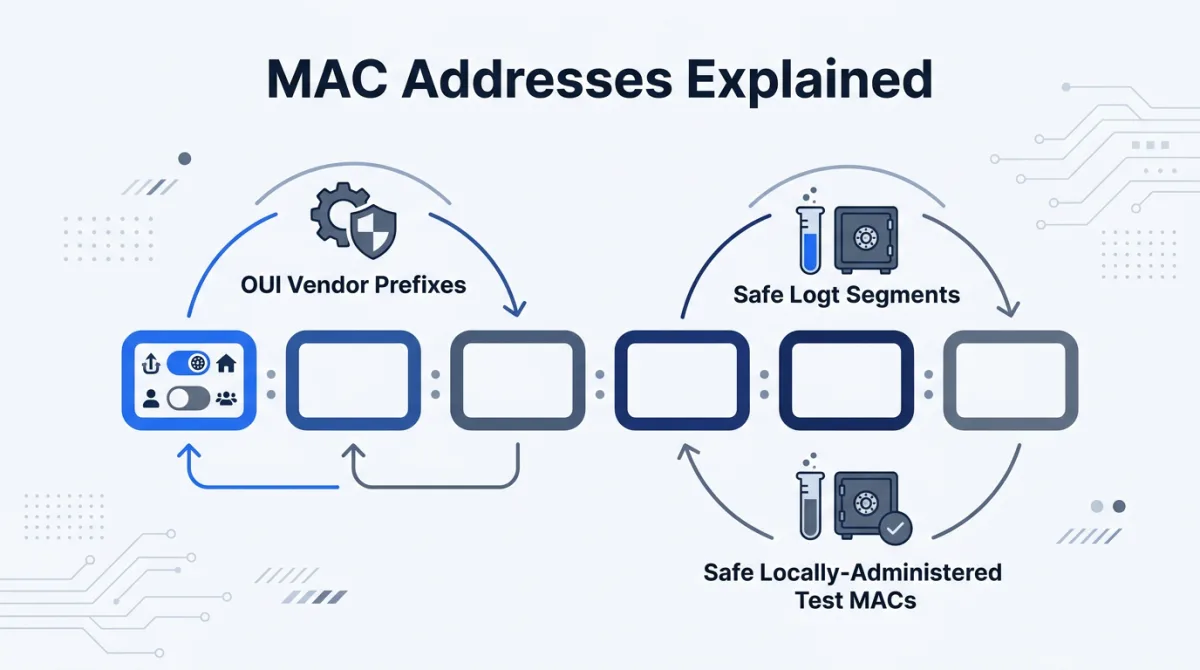
MAC address format for Ethernet and Wi-Fi is six octets, or 48 bits. 00:00:5e:00:53:01 is an example from the IANA documentation block. It labels a network interface on a local link; it is not a person identifier or proof of a device manufacturer [rfc7042].
Read the format before looking up an OUI
| Notation | Value | Normalization target |
|---|---|---|
| Colon separated | 00:00:5e:00:53:01 | 00:00:5e:00:53:01 |
| Hyphen separated | 00-00-5E-00-53-01 | 00:00:5e:00:53:01 |
| Dotted groups | 0000.5e00.5301 | 00:00:5e:00:53:01 |
Pick which input spellings your application accepts, validate the complete format, and then normalize. Blindly deleting punctuation can turn malformed input into an accepted address. Do not strip arbitrary characters and assume the remaining twelve digits prove the original input was valid.
What the first-octet bits mean
The least significant bit of the first octet is I/G: 0 for an individual address and 1 for a group address. The next bit is U/L: 0 for universal administration and 1 for local administration. For a locally administered unicast address, (firstByte & 0x03) === 0x02 [ieee-guidelines].
| Example | I/G | U/L | Interpretation |
|---|---|---|---|
| 00:00:5e:00:53:01 | 0 | 0 | Unicast documentation example |
| 02:00:00:00:00:01 | 0 | 1 | Locally administered unicast; may be used by a real interface |
| 01:00:5e:90:10:01 | 1 | 0 | Multicast documentation example |
| ff:ff:ff:ff:ff:ff | 1 | 1 | Broadcast; not a unicast device address |
Why an OUI lookup may not identify the hardware
IEEE registries describe assignments to organizations. The familiar first-three-byte lookup covers MA-L assignments, but smaller allocation products use longer prefixes. Lookup software needs the matching registry and longest applicable prefix; it should return unknown for a local address instead of asserting a vendor [ieee-ra].
| Registry | Assigned prefix bits | Addresses per assignment |
|---|---|---|
| MA-L | 24 | 16,777,216 |
| MA-M | 28 | 1,048,576 |
| MA-S | 36 | 4,096 |
Even a registry match identifies the registered organization, not necessarily the retail brand or the current user. A software-configured address is another reason to treat vendor lookup as descriptive metadata rather than authentication.
Documentation addresses versus working test interfaces
For published examples, use the 256 unicast values from 00:00:5e:00:53:00 through 00:00:5e:00:53:ff. For group-address examples, RFC 7042 also provides 01:00:5e:90:10:00 through 01:00:5e:90:10:ff. Those are specific documentation allocations [rfc7042].
For a VM or interface on an isolated test network, locally administered unicast addresses are appropriate when you control allocation. They are also used by real devices: Apple documents private Wi-Fi addresses for its hardware [apple-private]. A local bit cannot distinguish synthetic traffic from production traffic.
A worked local-address mask
Start with six random bytes. For a first byte of hexadecimal AD, applying (0xad & 0xfc) | 0x02 produces AE. Clearing the bottom two bits and then setting bit 1 leaves a local unicast address. The possible second hexadecimal digits are 2, 6, A and E.
| Step | Binary first byte | Hex |
|---|---|---|
| Input | 10101101 | AD |
| AND FC | 10101100 | AC |
| OR 02 | 10101110 | AE |
This leaves 46 variable bits, or 70,368,744,177,664 possible local unicast values. That is a large space, not a uniqueness guarantee. Keep an allocation set for a test network and retry on duplicates. Fixed sequential values may be easier to inspect than random ones in a small isolated lab.
MAC parser test cases and expected results
| Input | Expected result | Reason |
|---|---|---|
| 00-00-5E-00-53-01 | 00:00:5e:00:53:01 | Case and separator normalization |
| 0000.5e00.5301 | 00:00:5e:00:53:01 | Dotted grouping |
| 00:00:5e:00:53 | Reject | Only five octets |
| 00:00:5e:00:53:gg | Reject | Non-hexadecimal characters |
| 00:00-5e:00:53:01 | Reject under this policy | Mixed separators |
| ff:ff:ff:ff:ff:ff | Parse; reject for a unicast-interface field | Syntax and interface policy are separate |
| 02:00:00:00:00:01 repeated twice | Parse; flag duplicate in the same test network | Local administration does not ensure uniqueness |
Fakenamely’s current identity and bulk schemas do not export a MAC field. Use these examples or implement the mask in your fixture builder. Pair it with the IP range guide for Layer 3 tests; keep IP routing policy separate from MAC format validation.
References & sources
- RFC 7042: IEEE 802 parameters and documentation values — IETF
- Guidelines for EUI, OUI and CID — IEEE Registration Authority
- IEEE Registration Authority and assignment registries — IEEE
- Use private Wi-Fi addresses on Apple devices — Apple
Frequently asked questions
What is the format of a MAC address?
For Ethernet and Wi-Fi, it is a 48-bit value written as six hexadecimal octets, for example 00:00:5e:00:53:01. Hyphens and three groups of four hexadecimal digits are also common display formats.
Does a locally administered MAC avoid all real devices?
No. Physical devices and virtual interfaces can use locally administered MACs, including private Wi-Fi addresses. Setting the local bit avoids claiming a universal assignment; it does not guarantee uniqueness or identify a test device.
Which MAC addresses are reserved for documentation?
RFC 7042 reserves 00-00-5E-00-53-00 through 00-00-5E-00-53-FF for unicast documentation examples. This block has 256 values. It is distinct from the locally administered address space.
Can the first three bytes always identify a vendor?
No. A 24-bit OUI applies to MA-L assignments. MA-M and MA-S registrations use longer prefixes, and a locally administered address cannot reliably identify its hardware vendor from the prefix.
How do I create a locally administered unicast MAC?
Generate six bytes, then set the first byte to (byte & 0xfc) | 0x02. Format all six bytes as two hexadecimal digits each. Track allocated values and reject duplicates within the network you control.